
How to Download SlideShare on Mobile — Phone Guide
Steps
- 1In the SlideShare app or mobile browser, open the public presentation — not the search results.

- 2Tap Share, then Copy Link. (In a browser, tap the address bar, then Copy.)
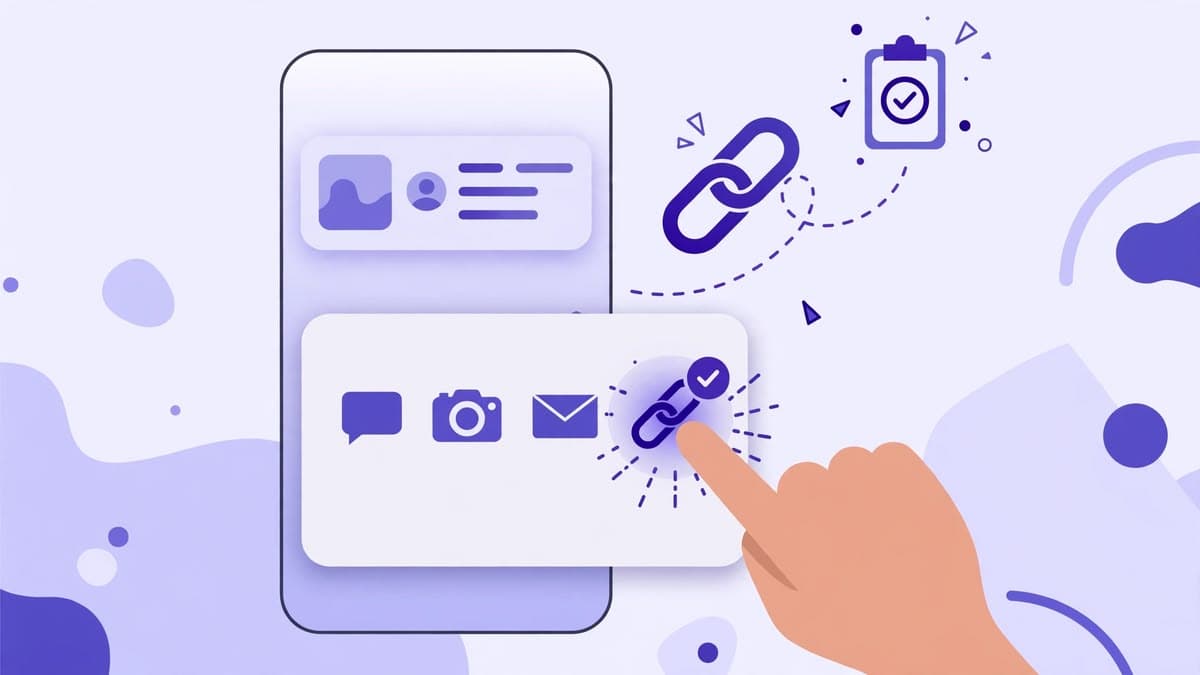
- 3Open this site in your mobile browser, tap the input, and tap Paste.

- 4Press Download, check the preview, then choose PDF or PPTX.

- 5When the file saves, open it from Downloads or Files.
The two mobile mistakes to avoid
First, do not copy the link from a search results screen. That link points to a search, not a deck, and the downloader will reject it with a search-page error. Always open the presentation first, then copy.
Second, do not paste a link copied from a profile page. A profile link looks similar but contains no deck, so it will be rejected with a profile-page error. The correct link always contains /slideshow/ followed by the deck name and id.
If Paste does not work on your phone
Some mobile browsers block automatic clipboard reading. If the Paste button cannot read the clipboard, long-press the input field and choose Paste from the phone's own menu, or type the link manually. The tool also accepts a link pasted with Ctrl+V on a phone keyboard.
If the browser asks for clipboard permission, allow it only for this site and only for this action. The site does not read your clipboard at any other time.
Finding the file after download
On Android, check Files → Downloads, or your browser's Downloads page. On iPhone, check Files → Downloads, or the browser's download list. If the file opens in the browser instead of saving, use the browser's Share → Save to Files option.
Large decks take longer on mobile data. Stay on the page until the format download starts, and prefer Wi-Fi for decks with many slides.
Try the downloader now
No login, no signup. Paste a public SlideShare link on the home page and download it as PDF or PPTX.
Go to the downloaderQuestions
Frequently asked questions
Yes. Copy the presentation link in the app or Safari, paste it here in Safari or Chrome, and download the PDF or PPTX to Files.