Large JPEG PDF — Bigger File, Same Slide Pixels
Steps
- 1On slideshare.net, open the public presentation and copy its page link from the address bar.
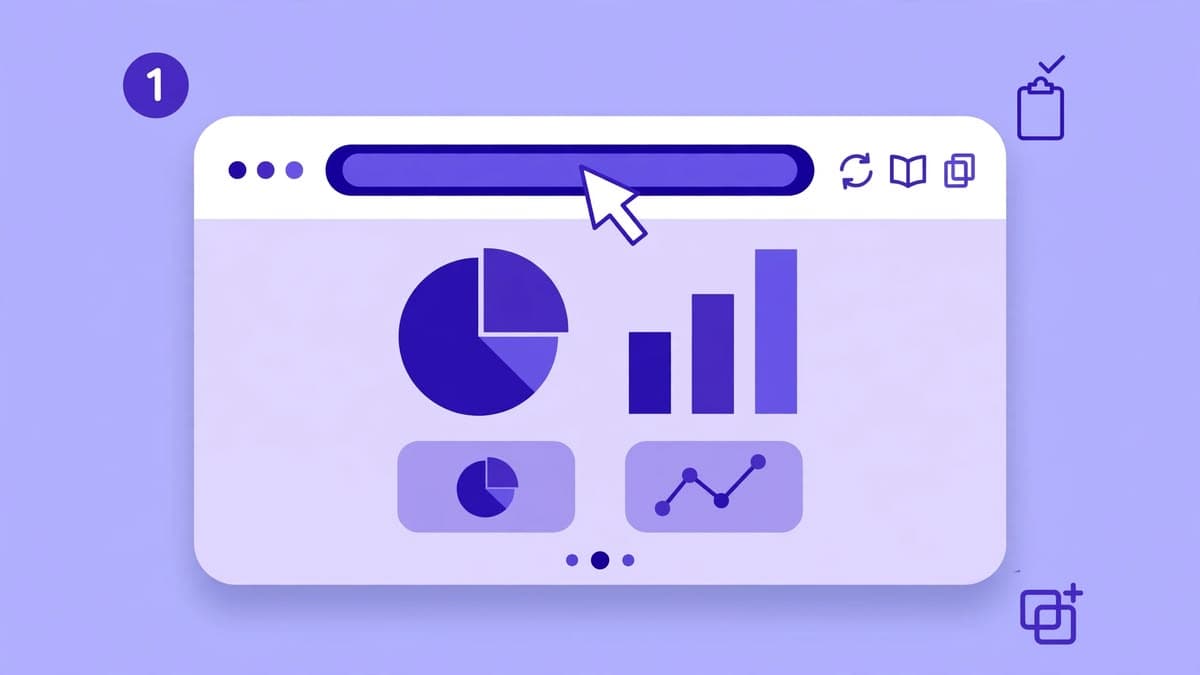
- 2On the home page, paste the link into the downloader and press Download.
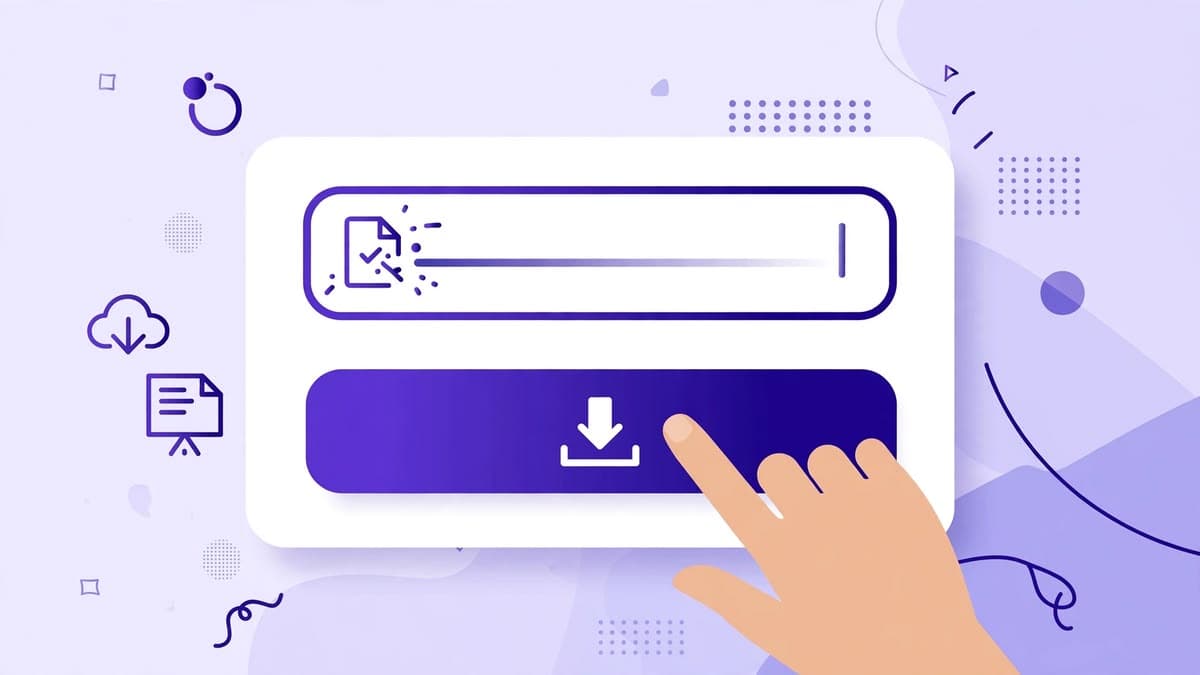
- 3Wait for the preview and check the title, author, and slide count match the deck you opened.
- 4Press Download PDF — Large (JPEG) instead of the normal Download PDF button.
- 5Let the file finish — a large PDF takes longer to build and download than the compressed one, especially on a slow connection.
Bigger file, same detail — read this before you choose
A slide image served by SlideShare at 2048 pixels wide is 2048 pixels wide whether it is stored as an efficient WebP file of about 50 KB or as a JPEG at quality 100 of several hundred kilobytes. Converting it to JPEG does not add sharpness, restore text, or upscale anything. If a slide was blurry in the source, it stays blurry in the large PDF.
What the large PDF does give you is a file that behaves like the PDFs other downloader sites produce: larger, less compressed, and sometimes easier for older PDF tools to handle. If file size matters to you — for example, a recipient expects a multi-megabyte PDF — the large option matches that expectation. If speed and a small file matter more, the normal PDF shows the same slides.
How the large PDF is built
Each slide image is drawn to a canvas at its natural size — never upscaled — on a white background, then converted to JPEG at quality 100 and embedded in the PDF. The normal PDF caps embedded images at 20 slides, and the large PDF follows the same cap. The downloaded file is named with a -large suffix, for example deck-name-large.pdf, so it never overwrites your normal PDF in Downloads.
If one slide's JPEG conversion fails, that slide falls back to its original format instead of breaking the whole PDF, and the final notice reports how many slides were converted, how many fell back, and the actual file size in megabytes.
When to use which PDF
Use the normal compressed PDF for fast sharing, emailing, and reading on a phone. Use the Large JPEG PDF when you want a bigger, less compressed file, when a tool or printer handles JPEG-based PDFs better, or when you are comparing this tool's output with another site's PDF. The comparison page shows both PDFs next to PPTX and the images ZIP, with their real caps.
Try the downloader now
No login, no signup. Paste a public SlideShare link on the home page and download it as PDF or PPTX.
Go to the downloaderQuestions
Frequently asked questions
Not in pixels. Both PDFs use the same largest slide images SlideShare serves, up to 2048 pixels wide. The large PDF is bigger only because JPEG at quality 100 compresses far less than WebP — it does not add detail or sharpness.